What is a share code?

Click the picture or the link  to view the image, share, or download it.

Share code info card

The wording on the image is included below:

What is a share code?

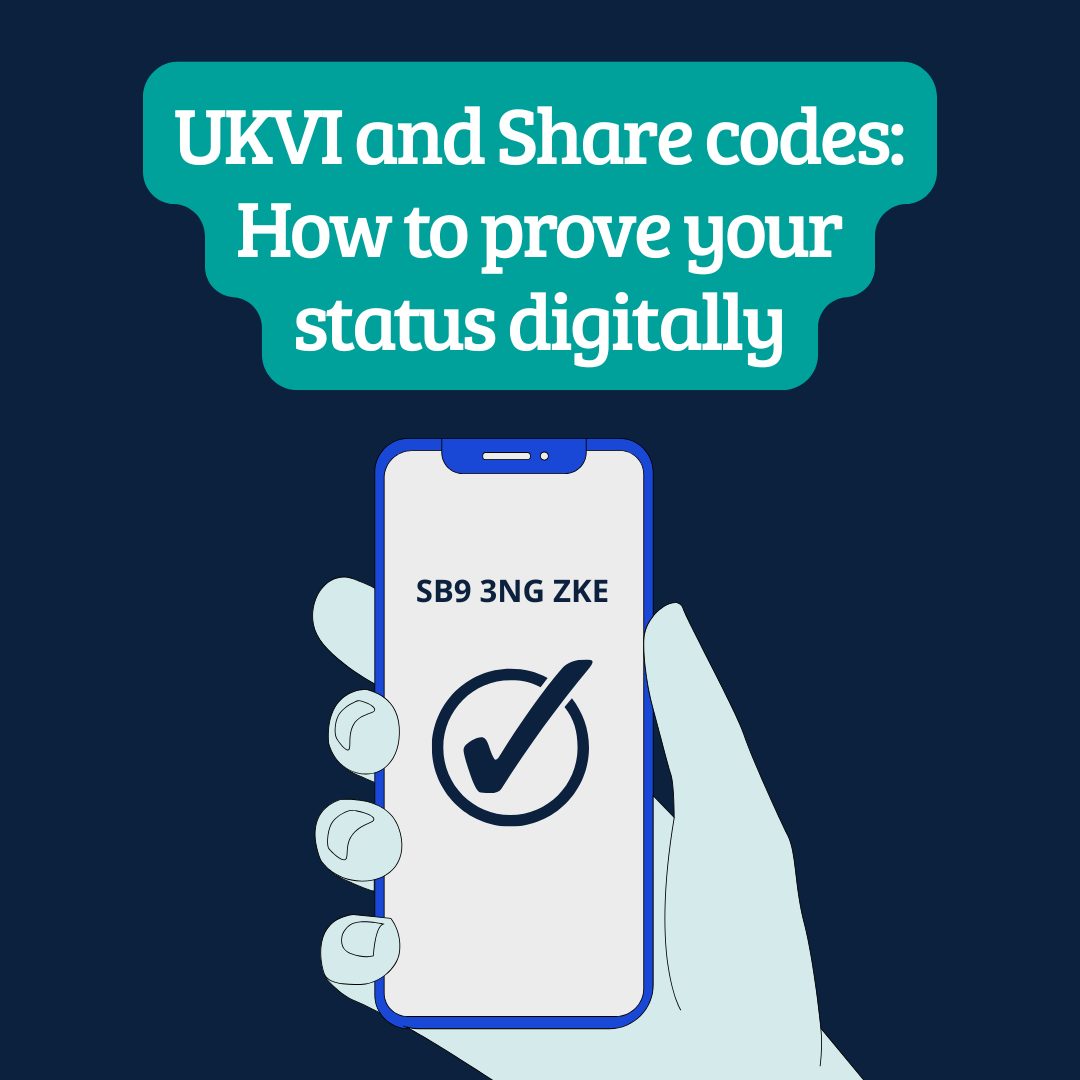
The UK Government gives people a unique share code to securely prove their immigration status.
Here is an example: SB9 3NG ZKE
A person can write down their share code, screenshot it, print it out, email it, or say the code over the phone. It remains valid for 90 days.

How to check someone’s share code

Go to GOV.UK and use the ‘Check someone’s immigration status: use their share code’ service at: www.gov.uk/check immigration-status
Enter the share code and the person’s date of birth. Then enter who is doing the check and select the
reason. You will see the information you need to check their status.

UKVI and Share codes: How to prove your status digitally

Click the picture or the link  to view the image, share, or download it.

UKVI and Share codes How to prove your status digitally

The wording on the image is included below:

UKVI and Share codes: How to prove your status digitally

A UK Visas and Immigration (UKVI) account is a secure online account that holds your immigration details. It lets you view and prove your immigration status online and keep your details up to date. You can share your immigration status with others by generating a share code. Your UKVI account holds your eVisa, so you may hear both terms used to mean the same thing.

Do I have a UKVI account?

When you are granted either Pre-Settled (PSS) or Settled status (SS) under the EU Settlement Scheme (EUSS), your UKVI account will be created as part of the application process. If you have an outstanding application to the EUSS and you have been told that you have a digital certificate of application (CoA), you will have a UKVI account and be able to use the View and Prove service. The Home Office does
not consider a CoA to be an eVisa document. You can find out more about travelling with a CoA here.

How to access your UKVI account

You can access your UKVI account to update some of your personal details, to generate a share code, or to view your eVisa.

To access your UKVI account, you will need to login with the following details:

  • the identity document you used when creating your account (passport or national ID card)
  • your date of birth
  • phone number or email address you used when creating your account (if you have lost access to your phone or email, you can recover your UKVI account here)

The Home Office has made a helpful video guide.

What is a share code?

A share code is a unique combination of letters and numbers that lets you prove your immigration status. It will look like a combination of letters and numbers. Here is an example share code:

SB9 3NG ZKE

You can write down your share code, screenshot it, print it out, email it, or say the code over the phone.

How to generate your share code

  • login to your UKVI account
  • choose from the list on screen the reason you are sharing your information (for example, to prove your right to work, or to travel)- it is important to choose the correct reason
  • you will then see a preview of the information that will be sharedwhich summarises your immigration status
  • click ‘create share code’

When you travel with PSS or SS

Your eVisa will be checked automatically when you show your identity document to a carrier or border control. Home Office guidance states that you may also be asked to provide additional proof of your immigration status, such as a share code.

Once generated, a share code is valid for 90 days. If you generate your share code before travelling, make sure you do it within 90 days of your return to the UK and carry an offline copy in case you have trouble accessing WIFI at the border. You may want to also bring a copy of the preview page summarising your immigration status so you can easily double check all your details when speaking to carriers and border control.

It is also important that before travelling, you check that:

  • your eVisa shows the correct details
  • your UKVI account is up to date with your most recent passport and personal details
  • your details exactly match the passenger information yougive to your carrier

You will need to make sure that the passport or travel
document you’re using for your journey is added to your UKVI
account.

Keep your details up to date

If any of your identity documents or personal details change, you will need to make sure you update your UKVI account. This will allow you to continue to access your account and prove your immigration status.

Your Pension Rights as an EU Citizen in the UK

Click the picture or the link to view the image, share, or download it.
Your Pension Rights as an EU Citizen in the UK

The wording on the image is included below:

Your Pension Rights as an EU Citizen in the UK

The UK State Pension is a regular government payment you can claim when you reach State Pension age.

You build up your UK State Pension through years of National Insurance contributions during your working life. To qualify for the State Pension, you need:

  • at least 10 qualifying years(these can include years from EU countries)
  • 35 qualifying UK years to receive the full amount

You may also be eligible for Pension Credit, and other benefits, depending on your circumstances.

If you’ve worked in multiple countries

If you’ve worked in both the UK and EU countries, your pension rights are protected under the Citizens’ Rights Agreements (Withdrawal and Separation Agreements).

You’ll receive a separate pension from each country where you worked and qualify for that country’s state pension, based on how long you worked there. Some countries do not pay pensions for very short periods of work, but that time will not be lost. In EU countries, very short contribution periods can be combined.

Different State Pension ages

Each country sets its own State Pension age. This means you may become eligible for the State Pension abroad before accessing your UK State Pension.

If this happens, contact the abroad country’s pension authority or the UK’s International Pension Centre for guidance.

How to access your State Pension

If retiring in the UK:

If retiring abroad:

  • if you have not worked in another country since leaving the UK, apply directly to the UK’s International Pension Centre
  • if you have worked in another country since leaving the UK, apply through the country you most recently worked in

TOP TIPS

Apply for your pension at least 6 months in advance. It can take time for countries to share information, and small differences in your personal details may cause delays. Don’t worry, this will not affect your pension entitlement.

Keep your payslips and P60s safe. If there’s a gap in your National Insurance record, you can ask your employer or pension scheme to correct it using these documents.

Get help and advice

Visit GOV.UK for guidance on pension eligibility.

Read the EU Commission’s Q&A document for EU citizens protected by the Withdrawal Agreement.

Get more help from the Money and Pensions Service

Make a complaint to the Pension Ombudsman or the Gibraltar Financial Services Commission.

If you’ve experienced issues with accessing your pension, you can report a complaint via our complaints portal, or tell us about your experience on our Your story page.

Find out more about pensions on our FAQs page.